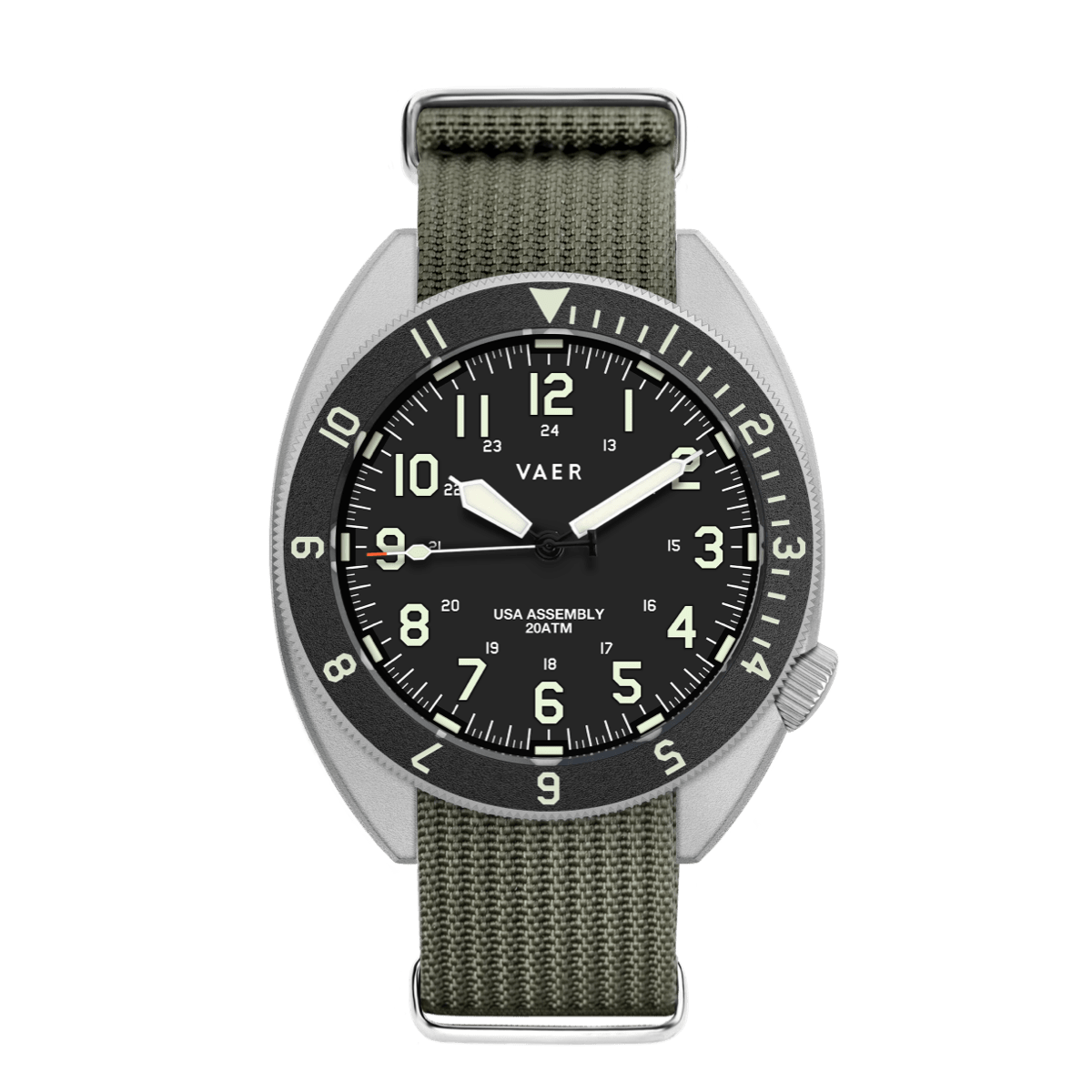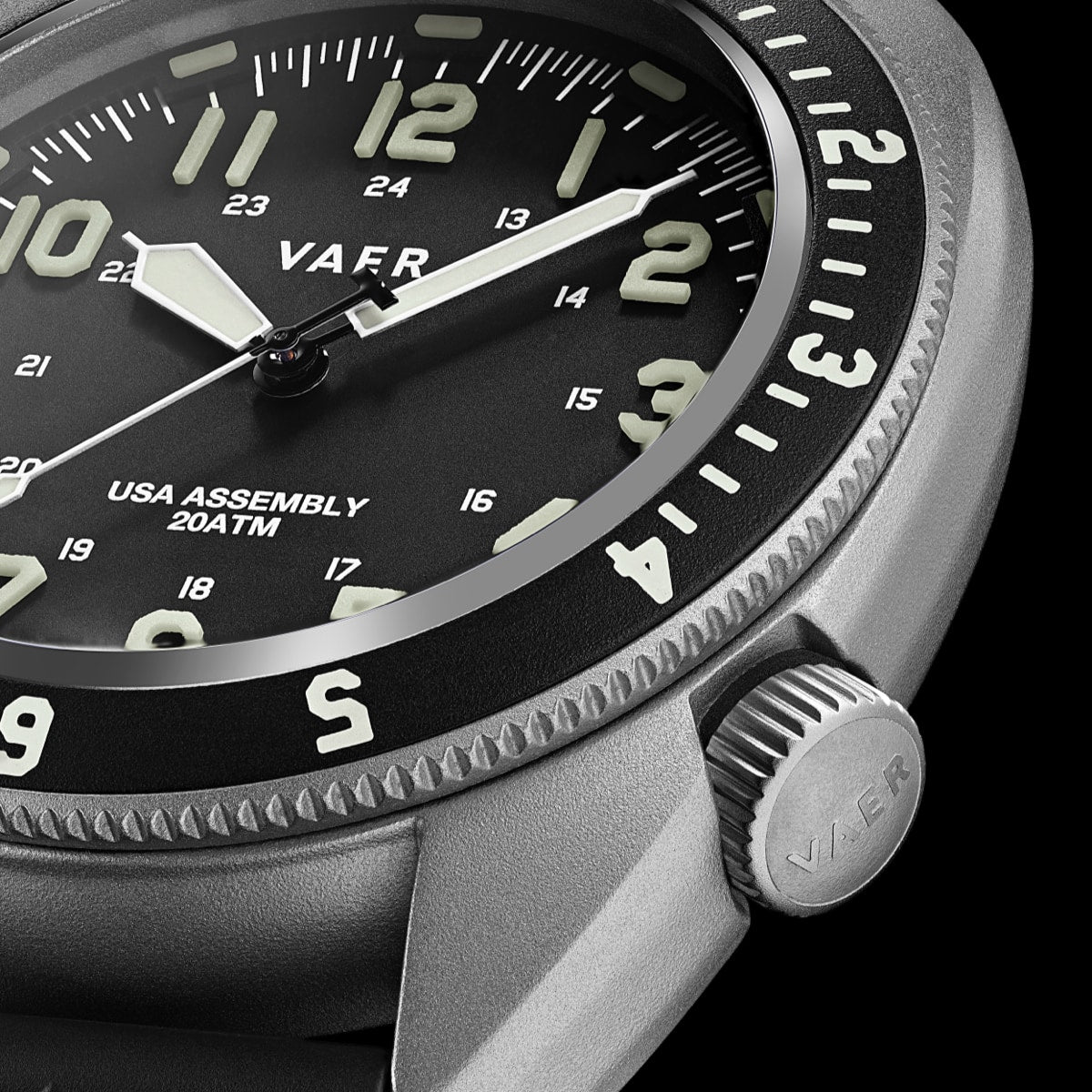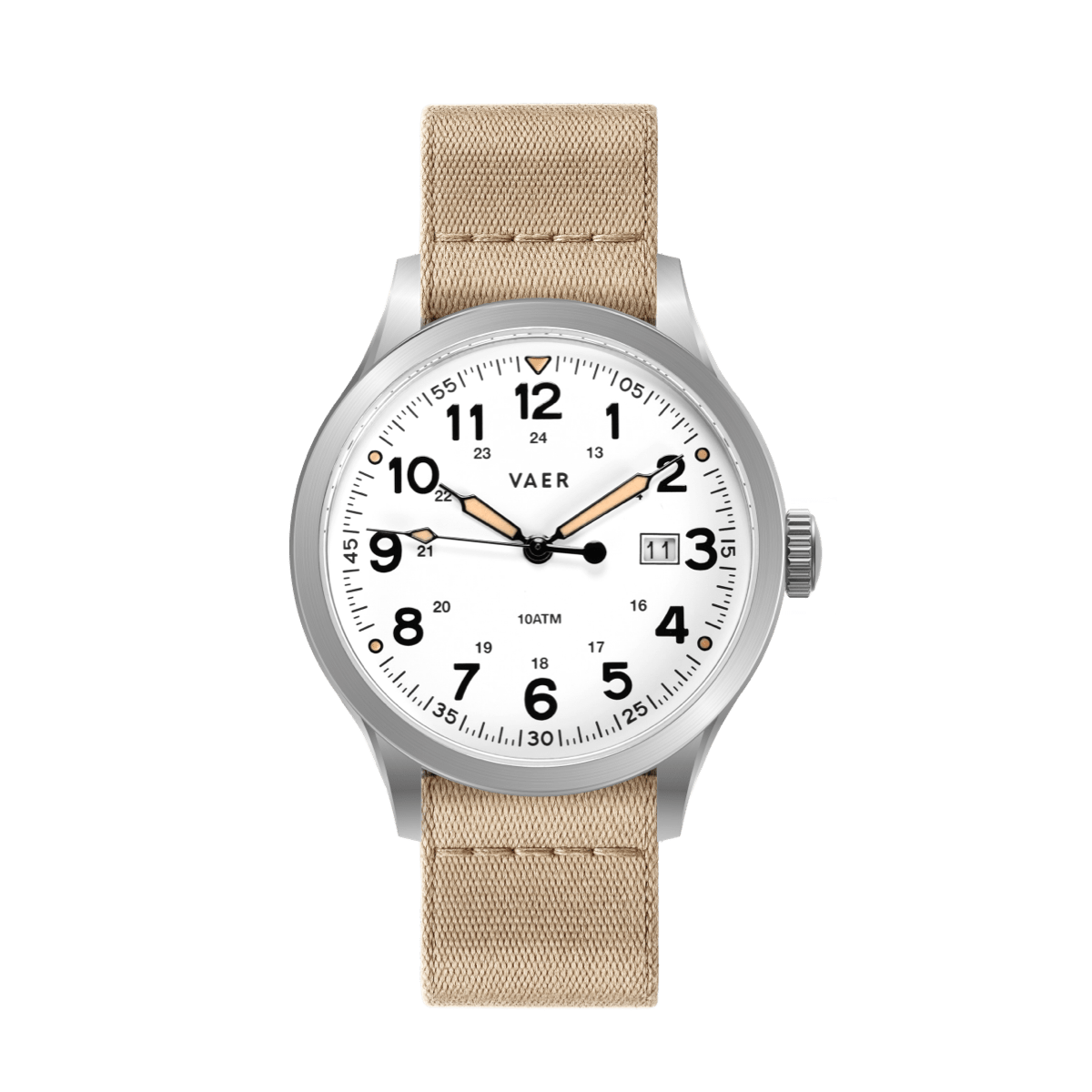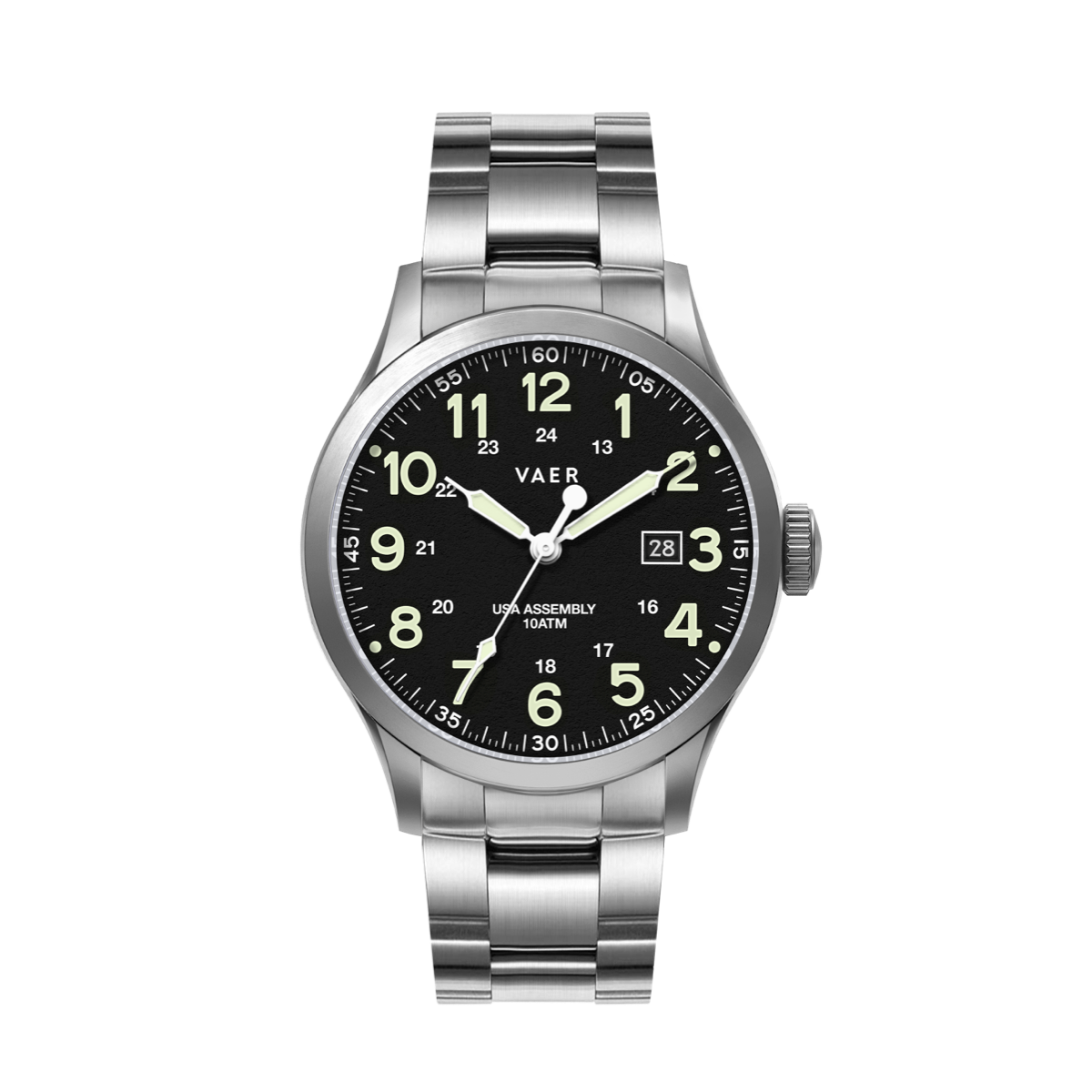
















This article provides a comprehensive overview of the Vaer C5 Postmaster USA wristwatch and instructions for its operation and use.

I) Product Summary
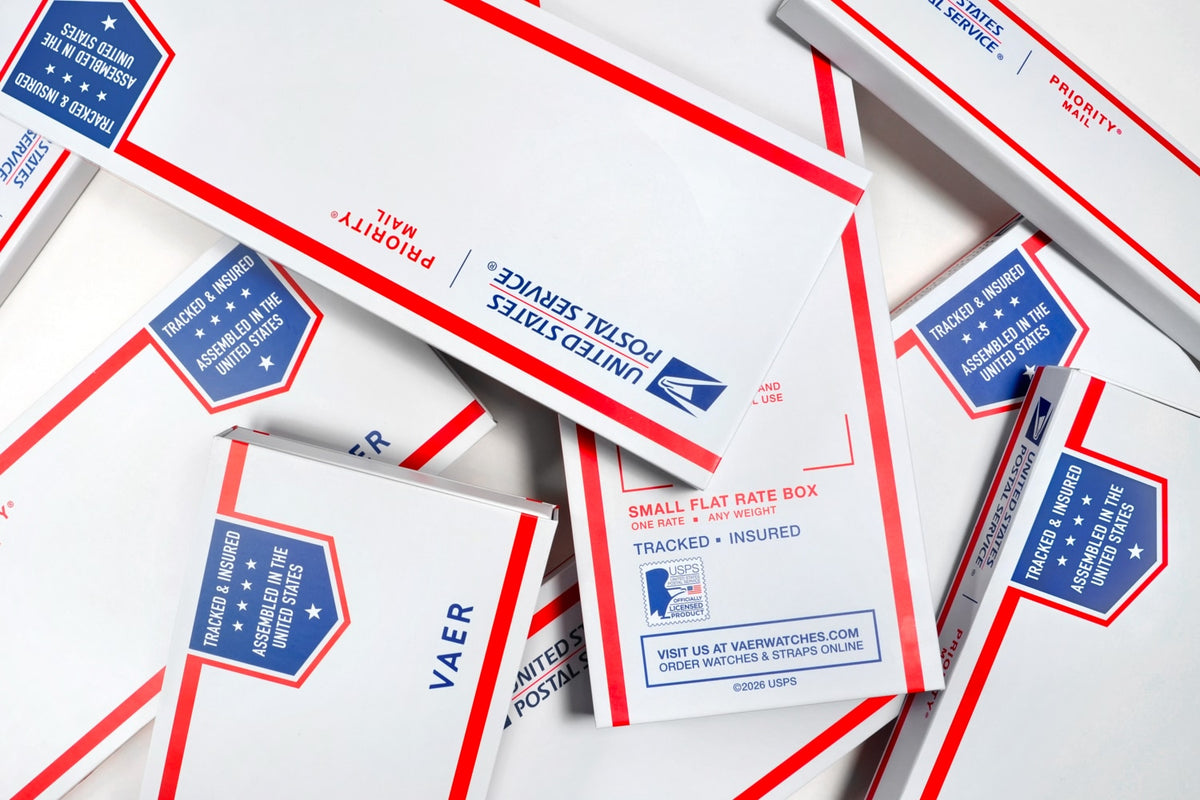
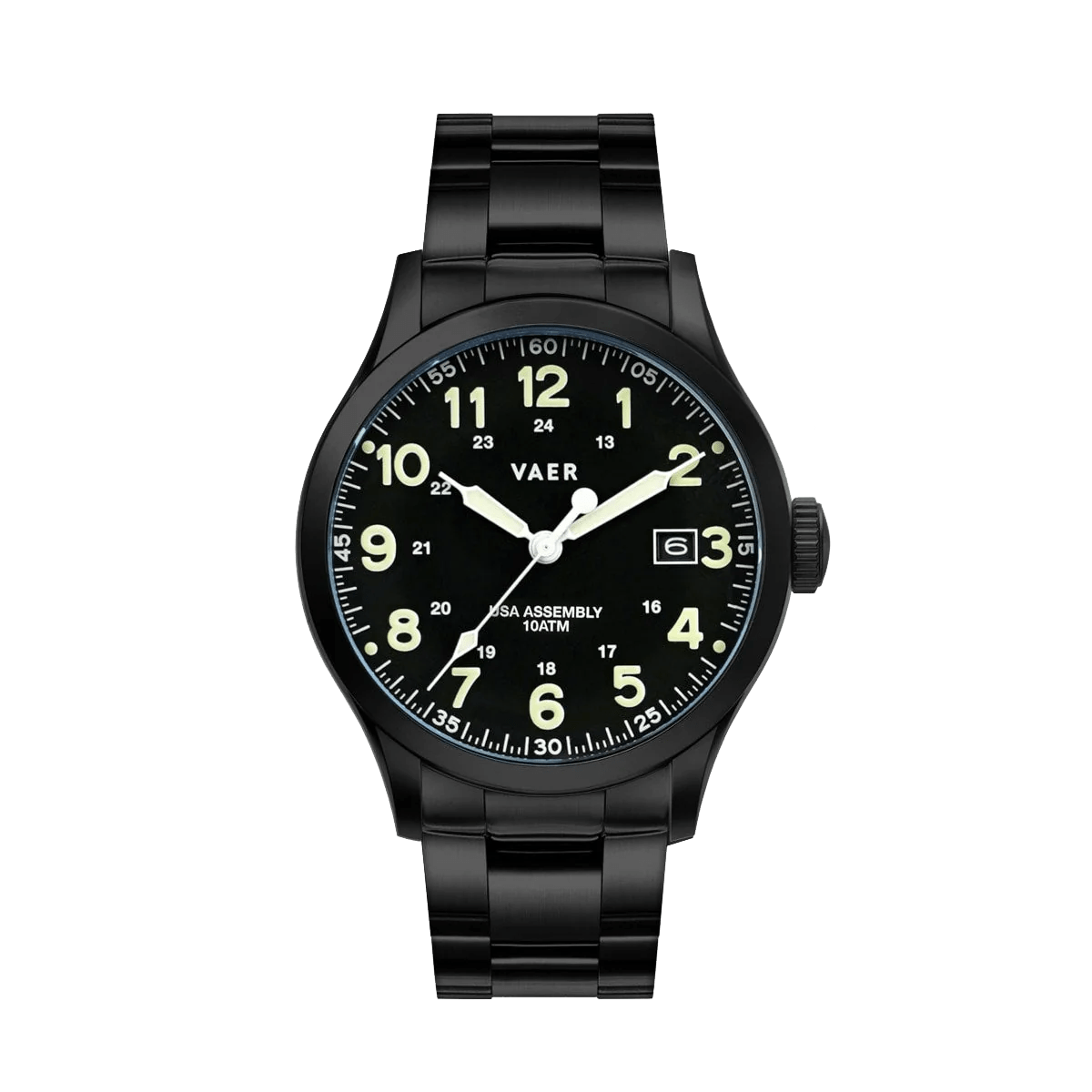
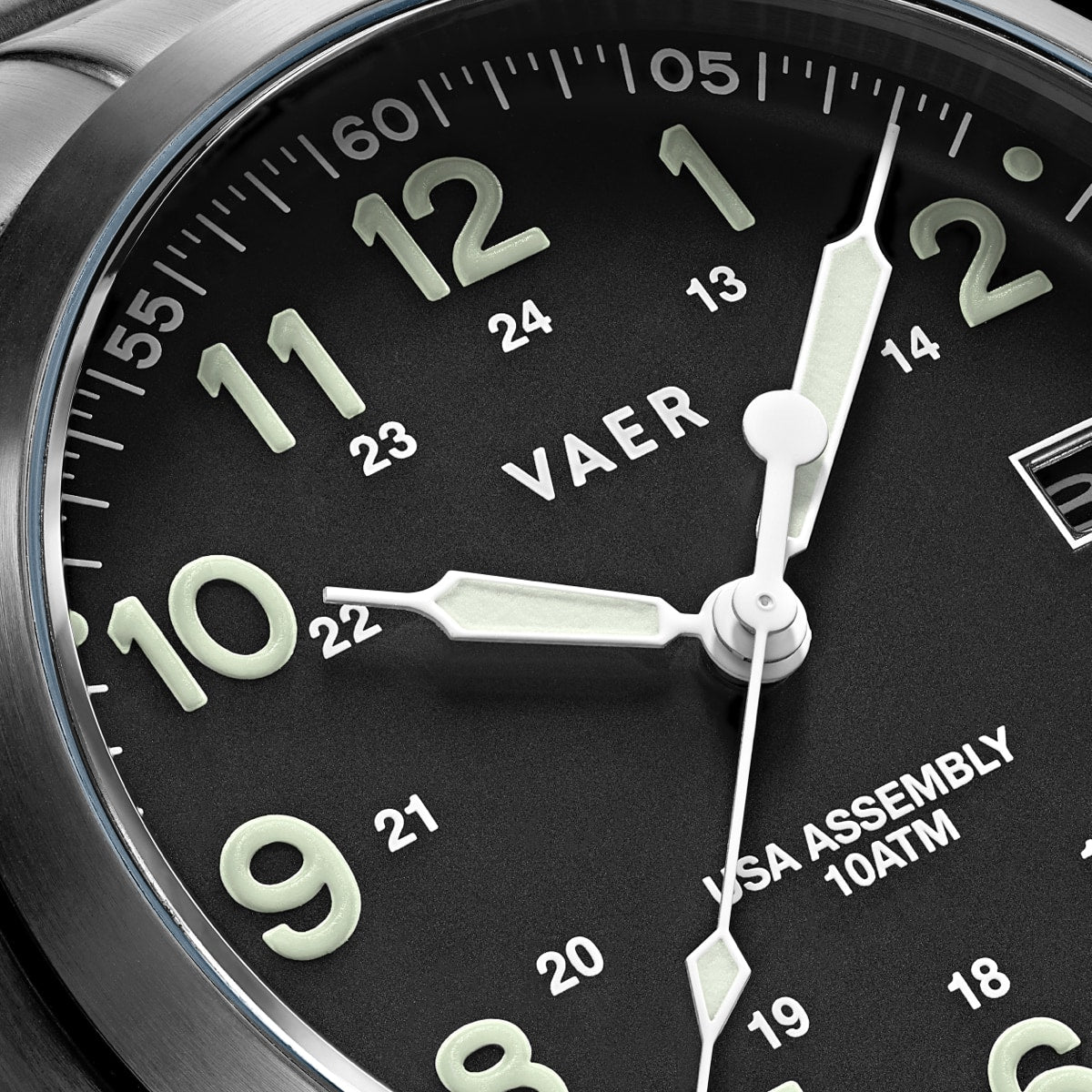
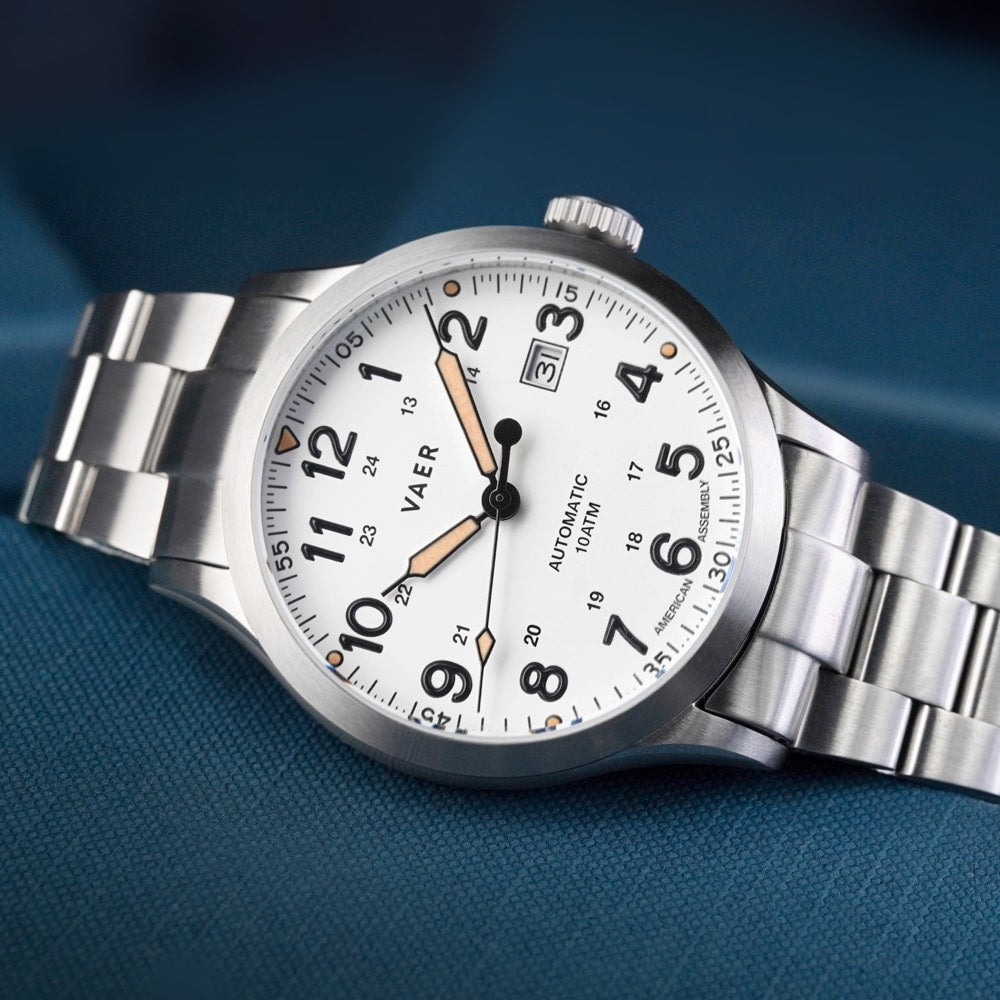
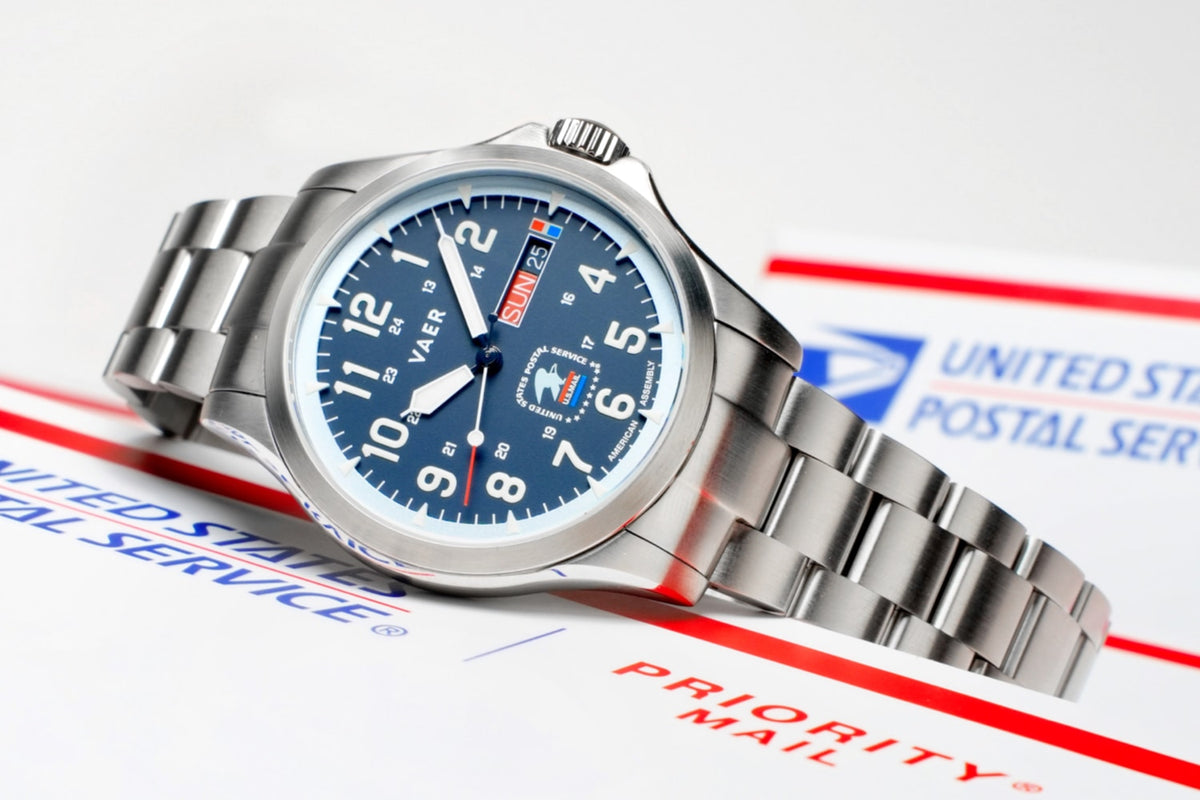
The Vaer C5 Postmaster is a 40.5mm field watch created in collaboration with the United States Postal Service. Powered by a Swiss Ronda 517 quartz day-date movement and assembled in the USA, the watch combines USPS-inspired design with the durability and functionality of our bestselling C5 collection.
The Postmaster features a 316L stainless steel case, sapphire crystal, locking screw-down crown, 10ATM water resistance, and BGW9 Super-LumiNova for low-light visibility. Its navy dial incorporates custom USPS branding, contrasting red and light blue details, and a day-date display at 3 o'clock.
Like other C5 watches, the Postmaster is designed for everyday wear, outdoor use, and compatibility with interchangeable 20mm straps.

II) Value Proposition
The C5 Postmaster combines Swiss quartz accuracy, full American assembly, and the durability of our proven C5 platform.
Its Ronda 517 movement provides reliable timekeeping with a day-date complication, while the scratch-resistant sapphire crystal, stainless steel construction, and 100m water resistance make it suitable for everyday use and outdoor activities.
The custom navy dial draws inspiration from the United States Postal Service, incorporating its recognizable colors and branding into a classic field watch design.
III) Care and Handling
Operating the Screw-Down Crown
The C5 Postmaster features a locking screw-down crown that helps maintain its 10ATM water resistance. Before adjusting the time, day, or date, the crown must be unlocked.

To unlock the crown, rotate it counterclockwise until it releases from the case. Once unlocked, the crown has three operating positions:
- Position 1 – Normal Operation: Crown unscrewed and fully pushed in. The watch runs normally.
- Position 2 – Day and Date Adjustment: Pull the crown outward one click to adjust the calendar.
- Position 3 – Time Adjustment: Pull the crown outward two clicks to adjust the time. The second hand stops for precise setting.
After making adjustments, push the crown completely inward, then gently press and turn clockwise until it is securely screwed into the case.
IMPORTANT: Always ensure the crown is fully screwed down before exposing the watch to water.
Setting the Day, Date, and Time Together
When setting the watch for the first time or after it has stopped, we recommend following this sequence to ensure the calendar changes at midnight.
- Unscrew the crown and pull it to Position 3.
- Move the hands to approximately 6:00, outside the calendar-change period.
- Push the crown to Position 2.
- Rotate clockwise to set the date to the previous day.
- Rotate counterclockwise to set the weekday to the previous day.
- Pull the crown to Position 3.
- Advance the hands forward through midnight until the correct day and date appear.
- Continue advancing the hands to the current time, accounting for AM and PM.
- Push the crown fully inward and screw it securely into the case.
EXAMPLE: If it's Tuesday, October 13, at 3 PM, first set the calendar to Monday, October 12. Then advance the hands through midnight until Tuesday, October 13 appears, and continue to 3 PM.
Setting the Time
The C5 Postmaster is powered by a Swiss Ronda 517 quartz movement, which provides accurate timekeeping without winding or solar charging.
To set the time:
- Unscrew the crown by rotating it counterclockwise.
- Pull the crown outward to Position 3 (second click). The second hand will stop.
- Rotate the crown to move the hour and minute hands to the correct time.
- Make sure the watch is set to the correct AM or PM cycle so the calendar changes at midnight rather than noon.
- Push the crown back to Position 1 and screw it securely into the case.
TIP: To identify midnight, advance the hands past 12 o'clock until the day and date begin to change. Continue advancing to reach the correct time.
Setting the Date
The C5 Postmaster features a date window at the 3 o'clock position. The date can be adjusted independently without changing the time.
To adjust the date:
- Unscrew the crown.
- Pull the crown outward to Position 2 (first click).
- Rotate the crown clockwise to advance the date.
- Once the correct date is displayed, push the crown back to Position 1.
- Screw the crown securely into the case.
The date operates on a 31-day cycle and may require manual adjustment after months with fewer than 31 days.
IMPORTANT: Avoid quick-setting the calendar between 10 PM and midnight, when the movement's automatic calendar mechanism may be engaged. If necessary, move the hands to approximately 6:00 before adjusting the calendar.
Setting the Day of the Week
The Ronda 517 movement also features a day-of-the-week display, positioned alongside the date at 3 o'clock.
To adjust the day:
- Unscrew the crown.
- Pull the crown outward to Position 2 (first click).
- Rotate the crown counterclockwise to advance the day of the week.
- Once the correct day is displayed, push the crown back to Position 1.
- Screw the crown securely into the case.
The day display advances automatically during the overnight calendar-change cycle. The Postmaster features a custom calendar design with a red Sunday indicator.
IMPORTANT: As with the date adjustment, avoid quick-setting the day between 10 PM and midnight.

Water Resistance and Care
The C5 Postmaster is rated to 10ATM (100m) water resistance, making it suitable for swimming, surfing, and recreational water activities.
Before entering the water, always confirm that the crown is fully screwed down.
After exposure to saltwater or chlorine, rinse the watch with fresh water and dry it with a soft cloth. Avoid operating the crown while the watch is wet or submerged.
For water activities, we recommend using a rubber or nylon strap rather than leather.
Installing Quick-Release Straps
The C5 Postmaster is compatible with Vaer's interchangeable 20mm straps. Quick-release straps can be installed and removed without specialized tools.
To change a strap:
- Turn the watch over and locate the small quick-release lever on the underside of the strap.
- Slide the lever inward to compress the spring bar.
- Remove the strap from between the lugs.
- To install a new strap, insert one end of the spring bar into the lug hole.
- Slide the lever inward, align the opposite end, and release it into place.
- Gently pull on the strap to confirm both spring-bar ends are secure.
Make sure the buckle side of the strap is installed at the 12 o'clock position.

Installing Single-Pass Straps
The C5 Postmaster is also compatible with Vaer single-pass nylon straps, which pass underneath the watch case.
To install:
- Remove the existing two-piece strap and install standard 20mm spring bars.
- Feed the long end of the nylon strap through the top spring bar.
- Pass the strap underneath the case and through the bottom spring bar.
- Center the watch on the strap and secure any additional retaining section.
- Fasten the strap around your wrist, folding any excess material through the keeper loops.
Always ensure the spring bars are securely installed before wearing the watch.

General Maintenance
The C5 Postmaster is designed for regular use with minimal maintenance.
- Rinse the watch with fresh water after saltwater exposure.
- Clean the case and sapphire crystal using a soft, damp cloth.
- Avoid harsh chemicals, solvents, and abrasive cleaning materials.
- Keep the crown securely screwed down during normal wear.
- Avoid prolonged water exposure when using leather straps.
- Have the water-resistant seals checked whenever the case is opened for servicing.
Although the sapphire crystal is highly scratch-resistant, the stainless steel case may develop surface marks through normal use.

IV) Additional Resources
For more information about your C5 Postmaster, interchangeable straps, warranty coverage, or maintenance, visit:
- Vaer Product Manuals: https://www.vaerwatches.com/pages/product-manuals
- Vaer FAQ: https://vaerwatches.helpdocs.io/
- Vaer Website: https://www.vaerwatches.com
For additional assistance, contact the Vaer customer support team through our website.